Browser access
Chrome, Samsung Internet, Firefox and Safari load the lobby when they're up to date. A stale browser is the usual reason a cashier or betslip page looks wrong on a phone.
Our mobile lobby runs in the browser your phone already has, so there is no file to sideload and no store detour before you sign in.

Speed is what the mobile build is for. Face or fingerprint unlock gets you from lock screen to lobby without typing a password. Switch across to bKash to confirm a transfer and the tab keeps your session when you come back. Dark mode cuts glare on late BPL nights. Push alerts arrive on the phone itself, so a settled bet or a table opening reaches you with the browser closed. On a weak signal the lobby opens from a saved preview; anything that needs a live connection waits until you're back.
Any phone running a current browser will open the lobby; what changes is how much of it you see at once. A 5.5-inch screen stacks the wallet, betslip and game tiles in a single column, while a tablet spreads them across two. Your account needs a number that receives codes and a check before money moves out, but browsing, sign-in and the betslip all work on the same handset. Where a device doesn't hold up — an older Android build with a stale browser engine, say — we'd rather tell you than let you find out mid-session.
Chrome, Samsung Internet, Firefox and Safari load the lobby when they're up to date. A stale browser is the usual reason a cashier or betslip page looks wrong on a phone.
On a phone the wallet, betslip and game tiles stack in one column; a tablet splits them across two. Nothing is hidden on the smaller screen, it simply scrolls.
You need an account in your own name and a number that receives one-time codes. Browsing works before the check; moving money out needs the account verified first.
Open account settings after sign-in, or message our support desk with your handset model and browser version. We confirm what's currently supported for Bangladesh.
Evolution tables adapt to your connection and sharpen when Wi-Fi returns. Baccarat Lantern and Blackjack Flip stay playable on mobile data, though the video drops a step.

There is nothing to install before you can sign in. Type our address into the browser on your phone — Chrome, Samsung Internet and Firefox all render the lobby, whether you're in Dhaka or elsewhere in Bangladesh — then let the page finish loading before you tap anything. The first screen asks for your account number and sends a one-time code to
the phone you registered; key it in and you're through. Save the page to your home screen and it opens like any other shortcut. To check whether a native build is live for your region, read the status line on this page before hunting for a file.
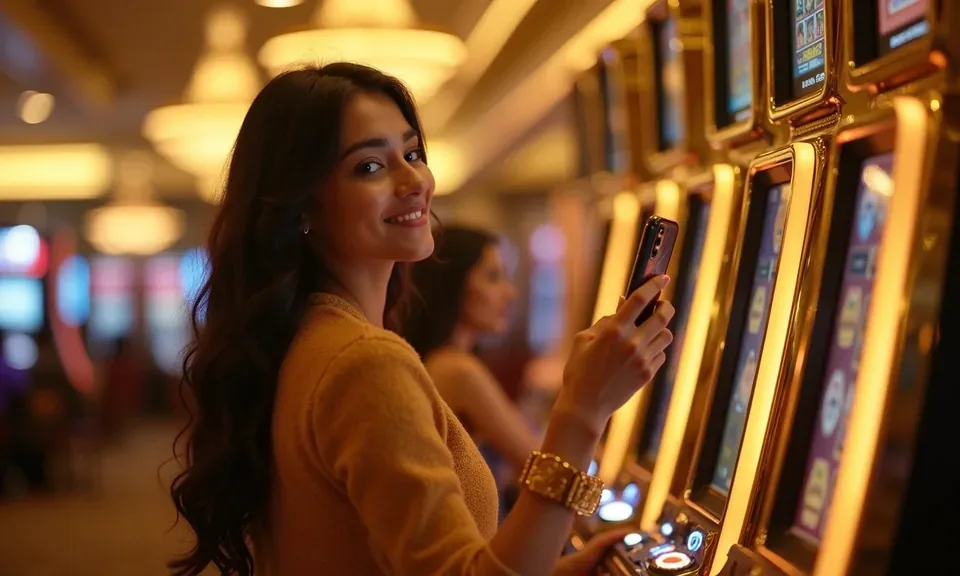
The mobile lobby isn't a cut-down version of the wide screen. Slots like Gates of Olympus and Mahjong Ways keep their spin controls under your thumb, and table titles such as Blackjack Flip and Teen Patti Mania reflow instead of shrinking. Your betslip stays pinned while you scroll cricket markets, so a BPL fixture doesn't cost you three taps to find again.
Pragmatic Play and PG Soft titles share the lobby with Evolution live tables. Push alerts tell you when a bet settles or a table opens, a wallet shortcut drops you into bKash, Nagad or Rocket in two taps, and fingerprint sign-in skips the password on repeat visits.
You ask us about the mobile build more than anything else, and most of it lands on two things: whether there is a file to install, and whether your handset loads the lobby properly. The answers below cover both, plus fingerprint sign-in, push alerts, and how live tables behave on a phone. If your case isn't here, our support desk handles device and account questions directly.
Service availability depends on eligible regions and local law. Users should check local rules before opening an account.
Access may be available only where local law permits.